ВУЗ: Не указан
Категория: Не указан
Дисциплина: Не указана
Добавлен: 17.04.2021
Просмотров: 1373
Скачиваний: 2
41
¿
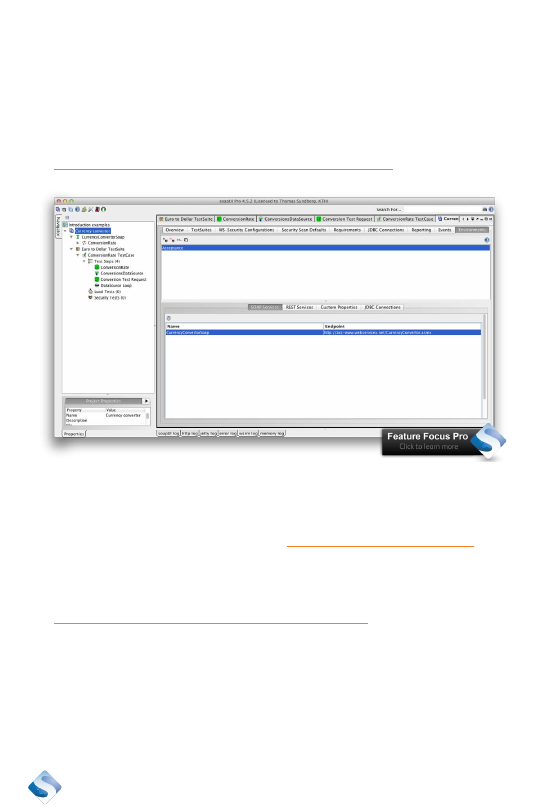
All requests and their endpoints are listed in the dialog box
below the Environment name.
¿
Double click on “CurrencyConverterSoap.”
¿
Add a good endpoint for it. I use:
http://acc-www.webservicex.net/CurrencyConvertor.asmx
¿
Test it by executing the test case and selecting “Acceptance” as
environment.
¿
It failed, there is no host called
http://acc-www.webservicex.net
.
¿
Create another environment by following these steps again, call
it “Production” and use the endpoint.
http://www.webservicex.net/CurrencyConvertor.asmx
It should work when you execute the test and use the environment
“Production.”
42
When you change the environment you test, a database holding the
current data set for the environment will often have to be changed. This
can be done at the same time. Let’s extend the example a little bit by
adding support for different databases at the same time as you change
environment.
We don’t have a database connection in our example, so let’s add one.
¿
Double click on the project.
¿
Select the tab “JDBC Connections.”
¿
Add a new data connection by clicking on the small +-sign in the
left corner.
¿
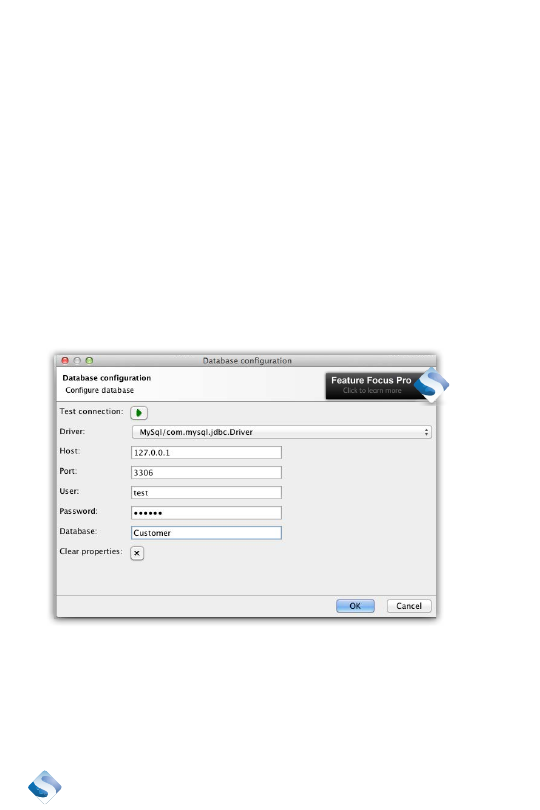
Specify a name for the data connection. I use “Customer” to
indicate that this is our customer data connection.
¿
Click “OK”.
¿
Select the correct database and connection details. I set up a
MySql connection.
We just created a data connection. Now let’s make sure that we connect
to different databases when we change environment.
43
Open up the “Environments” tab again.
We have an environment called “Acceptance,” let’s add another one
called “Stage.” Click on the small +-sign above the environment list and
call it “Stage.”
Keep the setup defaults empty and click “OK.”
Click on “Acceptance” and notice that we have an endpoint set.
Click on “Stage” and notice that we haven’t an endpoint set. Set it to
something appropriate.
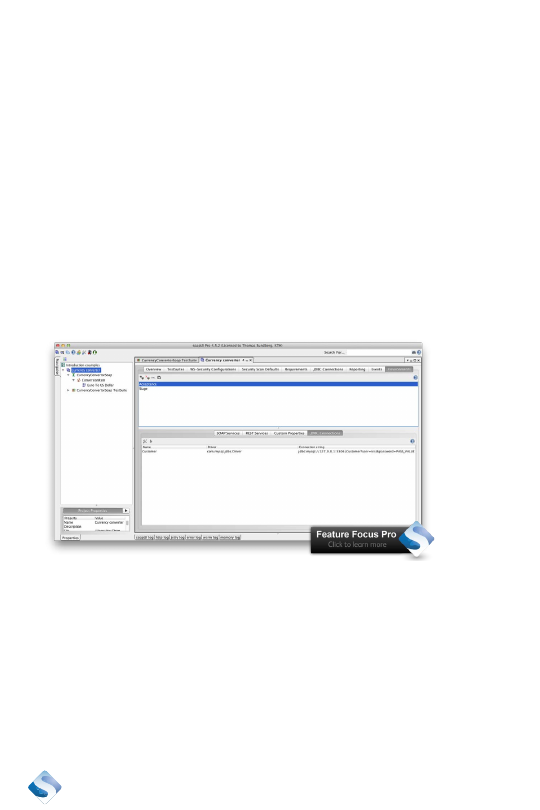
Click on the “JDBC Connections” tab and check the value set for “Ac-
ceptance” and then the value set for “Stage.”
Acceptance has the same connection details as we specified earlier.
Stage doesn’t have any Connection string defined yet.
Double click on the “Customer JDBC” connection for Stage and set up
the connection string.
The result will be that when we test against Acceptance, we will use the
endpoint defined for SOAP Services and the data connection defined in
JDBC Connections for Acceptance. When we change environment to
44
Stage, both of these settings will be changed. This allows us to change
between different environments very quickly.
Using different environments could be a good reason to go pro.
Reporting
Reporting the status of your test runs is important. A test report is often
required before you are allowed to deploy a product into production.
There is no built-in support in SoapUI to generate reports from a test
execution. This is only available in SoapUI Pro.
Create a test report
A test report is created based on a test suite execution. This means that
we must start by running a test suite before a report can be generated.
¿
Execute the test suite Euro To Dollar TestSuite.
¿
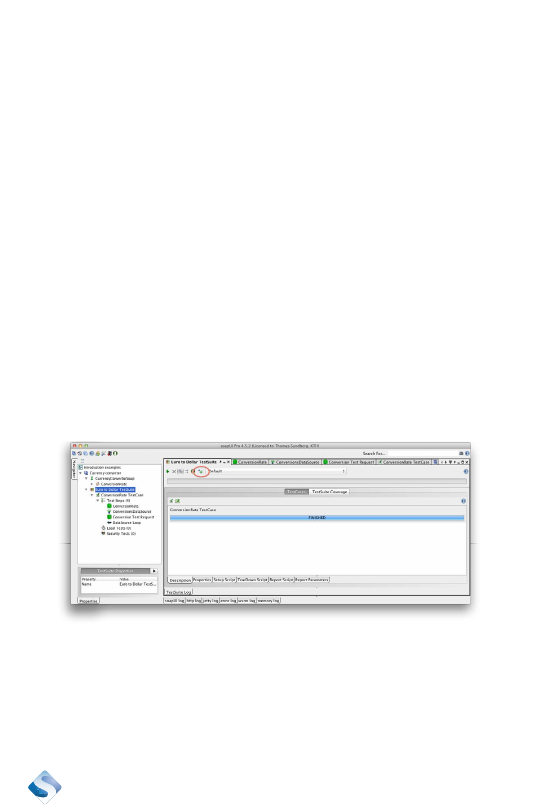
Click on the “report” button in the toolbar to generate a report. It
is the icon just to the left of the environments drop-down.
¿
Select a format. I select TestSuite Report.
¿
Click “OK.”
¿
A preview of the report shows up.
¿
Save it by clicking on the floppy icon to the far left.

45
¿
A “save” dialog box shows up where you can define the name
for the report as well as the format. I choose RTF, Rich Text
Format, because I want to be able to edit it later, using Microsoft
Word.
SoapUI Pro has an extensive set of prepared reports that supports
these formats:
¿
PDF – Portable Document Format
¿
RTF – Rich Text Format
¿
ODT – Open Office
¿
HTML
¿
Single sheet XLS – Excel
¿
Multiple sheets XLS – Excel
¿
CSV – Comma-separated file for import to Excel
¿
XML
You can change the content of the reports, but that is out of scope for
this SoapUI introduction.
Organize your work
How you organize your work is obviously not something that should be
dictated by a tool. At the same time, the tool you are using may support
working in different ways. SoapUI will force you to organize your work
using workspaces. It will give you a choice on how you want to save
your project so it can be shared with other testers. Let’s start with work-
spaces and then discuss version control and sharing.